I'm frustrated because there is no proper ZIP utility for UIQ 3 after UIQ 3 has been in the market for more than a year. An independent standalone zip application which can handle not only ZIP but also RAR, ACE and other compression standards much like my favourite desktop zipper 7-Zip.
What happen when you beam a file to your UIQ 3 smartphone (via IR or BT) and you dont have any app associated with it? For example, a .ZIP file. The answer - Nothing... Because the phone cant bloody read it.
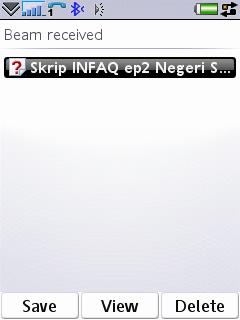
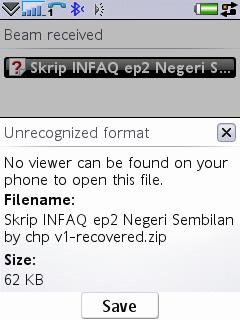
Ok. Here's what happen. I accept the file beamed to me, the phone tells me that I have a new item in the Inbox. I go to the Messaging Inbox, locate the new item, click on it. It says, "No viewer can be found... bla bla bla...". Then I click on "Save", fine... But it does not allow me to save to any location I want be it in the phone memory or the memory card... !!!!!
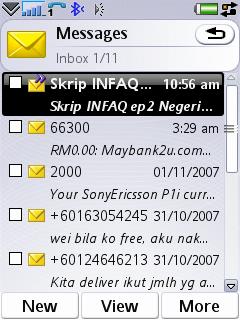
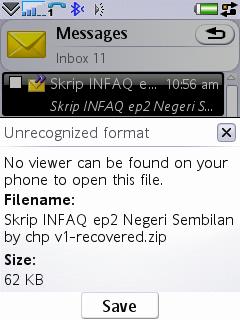
I believe this situation is also the same on S60 3rd Edition smartphones, but if I'm not mistaken, they have included a 3rd party application called Zip to deal with Zip files. This is 2007! At least, after receiving beamed files, give a choice or a dialog to save the file to any place we want if there's no app to open it. FYI, this behaviour have bugged me since UIQ 2 days on P800. And is still the same on P990 & P1i.
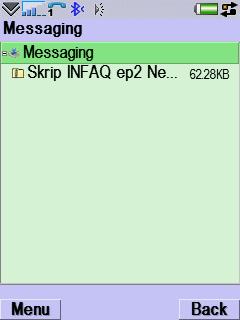
And the only solution for UIQ 3 users at the moment is to use X-Plore 's tool to check into the Messaging folder to locate the .ZIP file and move/copy to any location. I believe a zipper and rar utility should be part of the OS and it MUST be out of the box experience. So please, Nokia, Sony Ericsson, Motorola, include zip utility in the next Symbian OS.
Asri al-Baker, Dec 13th 2007