In the standard colours settings:
7 - Desk text highlight colour (among other things)
18 - Menu top backgroung colour
19 - Menu top text colour
21 - Menu top highlight colour
22 - Menu dropdown background colour
23 - Menu Active option text colour
25 - Selected menu item text colour
27 - Menu inactive option text colour
28 - Highlighted inactive menu option
The tabs and shadow effects in the settings dialog are in one of the set of bitmap files, though I can't remember which colour did the title bar colour for the SMS sender, which means that when it changed it was by happy accident than me noticing which it was :/
Thanks mate. I'll look into it again. I've tried changing number 7 many times, but it dosen't seem to affect the desk text highlight colour. It does change the highlight colour in Messaging and Control panel etc. though, so I don't understand what's going on there... But I'll keep working on it. And number 21 doesn't seem to change the text highlighter in the drop down menu, only the little box on the top when you switch options there (move horizontally).
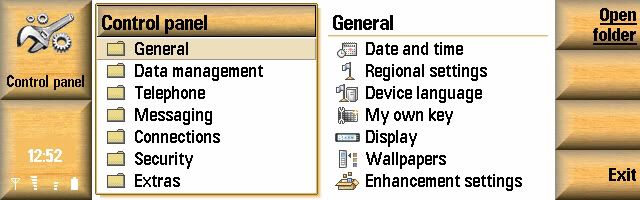
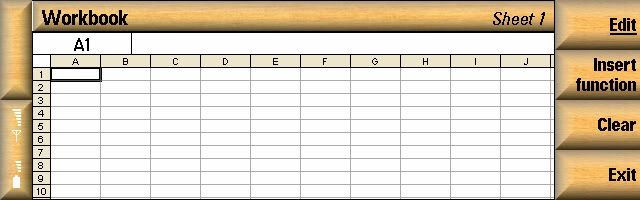
It's fun experimenting with the colour values, but most of the time I end up using the default colours from the Orange skin because it is so hard to get consistency when there are always some little things I'm not able to change, and sometimes you can't change one part without affecting some other parts... The most frustrating thing here is that I can't change the white backgrounds throughout the UI without messing up other parts - just look at this example:

So when I change the background colour from white, I get those white borders everywhere text input is possible...
You know, I'm spending a lot of time just getting to grips with your tutorial, and I can only imagine how much time you spent discovering all those things and preparing the tutorial... 😮 Kudos! :icon14:
It is a pain in the arse, the amount of unknowns is down to stuff where I've change a colour, then flicked through all the standard apps I can think of to see what changed then moving on to the next colour, it was a real mission. Obviously we need people to add more correct colours if and when they find more, as without a complete list we won't get a completely coherent skin.
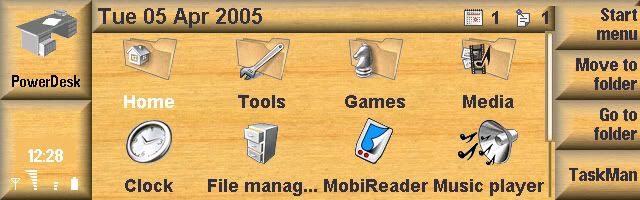
Still messin' around with the SKN file. It wasn't that hard to create a skin based entirely on the default blue skin instead of the orange:
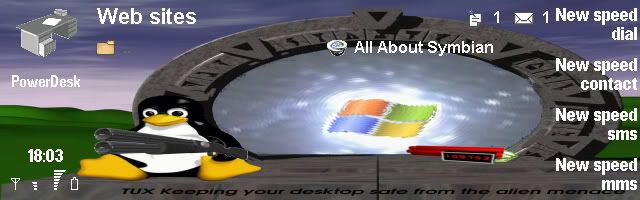

But in the default Desk view I always get that thin black border on top;

Any idea how to get rid of it, Switch?
No idea tbh, I never noticed it when I was working on skins.
Been thinking of another thing... Any idea how hard it would be to make a skin into a SIS file?
Never made a sis file so don't know how they work, shouldn't be too hard, but there are a few downsides in that to remove the skin it'd be best to remove it with the control panel tool before installing the next .sis file etc.
Hey Guys!!! Can you send me those skins you made!? Plsssssss!!!!
My email add is [email][email protected][/email]
bassist_x wrote:Hey Guys!!! Can you send me those skins you made!? Plsssssss!!!!
My email add is [email][email protected][/email]
me to plssssssss
[email][email protected][/email]
thanks
Which skin is it you guys want?
Teh txt sp34k! My 3y3s!
We've not sussed putting a skin in a SIS file yet. Gotta do it the old fashioned method.
I want all those skins posted!!! hehehe. if its not too much to ask... 🙄
I think this one turned out quite well:
thanks for all :icon14: :icon14: :icon14:
Cool Raven 😉 Please tell me, how can I convert mbm to bmp ?
Don't you mean bmp to mbm? I don't know about the other way around, sorry.
No, I know the way bmp to mbm - but it should be possible to convert mbm to bmp ?!
Found this program with a quick Google search. Haven't tried it though, so dunno how good it is...
The mbmconv tool does convert both ways.
1st let me say " Ladies & Gentleman Raven is the undisputed King of Skinning" not to forget SwitchBlade.... THANKS GUYS...
mbconv cannot convert msm file to a bmp...maybe it does...but it shows me an error....something like NOT A VALID ARCHIVE.
the idea of doing this is to get RAVEN's templates i think, so that one can then just cut/paste their pics/backgrounds onto it & make a new skin.
BTW...i have a question..when u change the colour from green to orange..the 9500 does it without restarting the phone....i'm sure that this whole set of new colours is also a seperate skin....am i right? this means it must possible to do this with raven's skin???
Yes and no, the standard colour selection only works for ones in the relevant place on the z: drive. Once you put your own skin files on this application gets all upset and refuses to play ball.
As for the templates, what's wrong with the ones provided in the tutorial?
I used mbmconv to convert the original .mbm files to the bitmaps I used to do the skinning tutorial so yes it does work. Unfortunately in a head crash i lost the hard drive with all the details on so i can't tell you the switches to use.
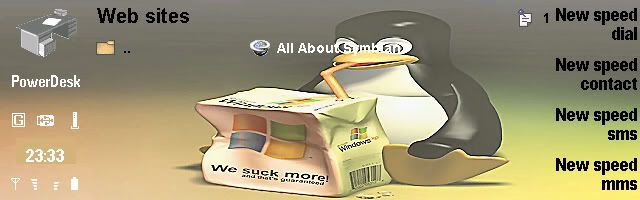
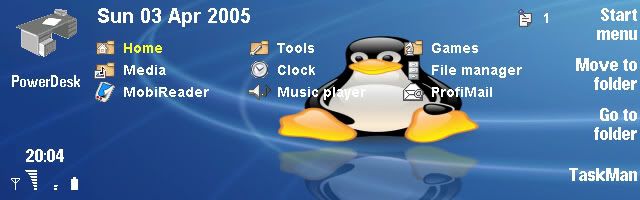
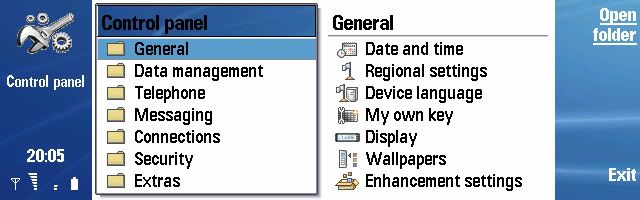
I've made some changes to the 'Tux' skin:


DOWNLOAD TUX2 HERE.
Comments/suggestions/ideas appreciated! 😊
Hey Guys!!! Great Work!!! May I suggest posting more skins!!! I would really love it! Thanks!!!!!!
bassist_x wrote:May I suggest posting more skins!!!
You may, but you may also be a bit more concise about what kind of skins you'd like to see... 😉
If people have any suggestions, just post away. I won't promise anything, but if you have a suggestion for a skin, then you need to post (or link to) a big wallpaper which you'd like to see turned into a skin for your Communicator. And I'll think about doing it. 😉
I would really "kill" for that matrix skin 😊
I' actually working on one myself, but I'm still checking out how to actually do the process
Well, I am certainly not going to make a Matrix skin, for the simple reason that it won't look right. If you use such a dark skin, several objects (text mostly) won't be visible anymore. The pop-up notes/warnings for instance will be completely unreadable. And there are many more examples. And, as I demonstrated earlier in this thread, when you start colouring the all-white backgrounds, the places where text input is available will have white borders all around them. Remember that the tutorial isn't complete - some UI elements are still uncounted for. The best advice I can give is to use a skin that isn't too much in contrast with one of the default ones, and to not change the solid white background colour.