miki69 wrote:Another regression in v20: possible issues with Light sensor
This is a tricky part at it largely depends/manifests on environmental lights, so it doesn't reveal always. There are 5 Light sensor levels in setting. I keep it at level 4 (one bar below max). When I unlock phone,after a sec. light sensor kicks in, resulting in screen being lighter/brighter, then light sensor kicks in again (2nd time) resulting screen being even more bright. So I go to Light sensor setting and try to change from level 4 to 5, but there is absolutely no difference (like level 4 is already max). Hope you understand what I mean, as I said this one is pretty tricky to follow, mostly it happens during the daytime, outside.
Cheers,
Miki
Do you mean the display brightness is erratic in its adjustment of the brightness? It is meant to be dynamic that's the purpose of the ambient light sensor we have on all Nseries devcies, so its normal for you to see the brighness change sometimes during use as you move the device and the sensor reads the ambient light level differently. If you feel it is erratic then please provide more info if you can and we'll try and take a look.
atb
DamianDinning wrote:Do you mean the display brightness is erratic in its adjustment of the brightness? It is meant to be dynamic that's the purpose of the ambient light sensor we have on all Nseries devcies, so its normal for you to see the brighness change sometimes during use as you move the device and the sensor reads the ambient light level differently. If you feel it is erratic then please provide more info if you can and we'll try and take a look.atb
Thank you for your reply.
I understand it should be dynamic, however it also should be up to the limit user defines, right? So if I use level 3 in light sensor settings, does it mean that sensor will adjust to environment lights but never go above level 3 brightness as defined in settings, eg will be in range 1-3?
If that's the case, then I do have an "issue", as sometimes my screen is at "full light" even though I have put level 4 in settings. So when I enter light sensor settings, moving from 4th level/bar to 5th does not result in additional screen brightness (although it should). As I said, you really need to look at this, as it doesn't reveal easily. This issue is revealed while sitting outside (never indoors), there is sun, but not that strong (or sitting in a shadow), when I unlock my phone, if you carefully look, light sensor kicks in twice and my screen is at maximum light sensor brightness. Covering sensor by hand results in screen going back to level 4 (little less bright than before). I don't know it this is enough for you or not...
Just to clear to avoid misunderstanding: the value I set in light sensor settings is always there (if I put 4th level it always at level 4, doesn't change to 5 or 3...), However it does behave differently. If I put level 3 brightness, I don't experience issue mentioned above, as light sensor does not kick in twice, only once.
Cheers,
Miki
DamianDinning wrote:I'd like to look into this more. However, I can only download a bmp version from the site you've hosted these on. Could you share the actual out of the camera images again? If I'm using the site wrongly then please feel free to provide instructions. I have a colleague who reads German but she couldn't see any obvious way of downloading the original file.thanks
D
Hi Damian,
Thank you for replying.
You can click on the pictures -> They appear in original size.
You can simply rightclick -> Safe image as (or similar) And it would be downloadet the original JPEG image.
Or have I missunderstood somethink?
The pictures again on imageshack.us :

Auto mode, no focus.

Auto mode: focussed the building behind the truck, all in front blurry

Landscape mode;much nicer (except of the artefacts when zoom in, but this is another thing)
EDIT:
Or did you mean something like this way of upload:
http://netload.in/dateic4aJR5UWQP/011020091475.jpg.htm
http://netload.in/dateiggIPe2eZwl/021020091509.jpg.htm
http://netload.in/dateiUajoPHwUwU/021020091510.jpg.htm
miki69 wrote:Thank you for your reply.I understand it should be dynamic, however it also should be up to the limit user defines, right? So if I use level 3 in light sensor settings, does it mean that sensor will adjust to environment lights but never go above level 3 brightness as defined in settings, eg will be in range 1-3?
If that's the case, then I do have an "issue", as sometimes my screen is at "full light" even though I have put level 4 in settings. So when I enter light sensor settings, moving from 4th level/bar to 5th does not result in additional screen brightness (although it should). As I said, you really need to look at this, as it doesn't reveal easily. This issue is revealed while sitting outside (never indoors), there is sun, but not that strong (or sitting in a shadow), when I unlock my phone, if you carefully look, light sensor kicks in twice and my screen is at maximum light sensor brightness. Covering sensor by hand results in screen going back to level 4 (little less bright than before). I don't know it this is enough for you or not...
Just to clear to avoid misunderstanding: the value I set in light sensor settings is always there (if I put 4th level it always at level 4, doesn't change to 5 or 3...), However it does behave differently. If I put level 3 brightness, I don't experience issue mentioned above, as light sensor does not kick in twice, only once.
Cheers,
Miki
I will check this out, but according to my understanding this sounds like it is operating normally. The sensor setting is a brightness setting that is relative to the ambient levels. In high ambient light levels to provide greater legibility it means the brightness will increase. The relative brightness that it will try and acheive is according to the setting you set.
Hi djmuzi,
some further questions before we look more into this. I don't believe this is common.
1. Is it possible your N86 has suffered an impact?
2. Is the lens clean or do you have any signs of finger print/grease on the lens?
3. When did you first notice this? Could you check your results before your did the fw upgrade, I am pretty sure this is a physical rather than SW based issue.
thanks
D
DamianDinning wrote:I will check this out, but according to my understanding this sounds like it is operating normally. The sensor setting is a brightness setting that is relative to the ambient levels. In high ambient light levels to provide greater legibility it means the brightness will increase. The relative brightness that it will try and acheive is according to the setting you set.
Thank you.
That's why I said "possible" issue, if it's meant to work that way, totally fine.
Another question: is there any way I can sort "by name" inside some folder's content I made?
More v20 regressions: in home screen while typing phone number to call, keypad tones don't work, however they work in every other menu/situation.
More close-ups (excellent color reproduction):


Cheers,
Miki
DamianDinning wrote:Hi djmuzi,some further questions before we look more into this. I don't believe this is common.
1. Is it possible your N86 has suffered an impact?
2. Is the lens clean or do you have any signs of finger print/grease on the lens?
3. When did you first notice this? Could you check your results before your did the fw upgrade, I am pretty sure this is a physical rather than SW based issue.
thanks
D
1. This happens no too often, but with the v11 it didn't happen, and I shot about 900 pictures.
2. My lens is clean.
3. first noticed since the v20 FOTA. Before Firmware update pictures were OK except of the corners, whick were naturally (and especially for a phone) not as sharp as the middle. Since the update some areas, and especially parts in the middle of the phoge, get blurry.
I don't have too much bad focussed examples, most of the pictures get definately better in colour and sharpness then the v11 pictures, and there is less difference between Auto mode and Landscape mode by taking photos of sights or buildings.
I can say I'm happy with the v20 photos, except the bigger possibility to get blurry photos with Auro mode.
Good photos for example with Auto mode:
 v20.115 vs.
  v11
v11
or this one:
 v20.115
😊
At use Bluetooth-sets during calls the sound often vanishes and phone slowly reacts to pressing of keys! 😡
At calls without BT-sets or At playing music with BT-sets the sound don't terminates!
djmuzi wrote:1. This happens no too often, but with the v11 it didn't happen, and I shot about 900 pictures.
2. My lens is clean.
3. first noticed since the v20 FOTA. Before Firmware update pictures were OK except of the corners, whick were naturally (and especially for a phone) not as sharp as the middle. Since the update some areas, and especially parts in the middle of the phoge, get blurry.I don't have too much bad focussed examples, most of the pictures get definately better in colour and sharpness then the v11 pictures, and there is less difference between Auto mode and Landscape mode by taking photos of sights or buildings.
I can say I'm happy with the v20 photos, except the bigger possibility to get blurry photos with Auro mode.
Good photos for example with Auto mode:
v20.155 vs. v11
or this one:
v20.155
😊
Hi,
we've reviewed your images and our belief at this stage is that this is a lens problem and not a sw problem. I would suggest you therefore return the product for the camera module to be replaced.
We have not seen this problem before, so ideally we'd like to get this module back to the program team responsible for the N86 8MP. If you could mention this when you return the product hopefully they will be able to get it to this team for further investigation.
Sorry for any inconvenience this may cause.
atb
I can confirm the Screen Rotation w/ Theme Effects enabled issue. With the theme effects turned off, the rotation is instantaneous! Good job on that part.
I would like to know when will the Nokia Messaging client be updated! The current version is pretty irritating.
Whenever there is a new mail, there is no way to know which email account has received the new mail. You have to open & check all the accounts! Unless I am missing something here, its simply idiotic.
You cannot create a new mail from the main screen of the Email app.
The downloaded version of Nokia Messaging has received an excellent update recently. When will the devices with Nokia Messaging integrated scheduled to receive them?
DamianDinning wrote:Hi,we've reviewed your images and our belief at this stage is that this is a lens problem and not a sw problem. I would suggest you therefore return the product for the camera module to be replaced.
We have not seen this problem before, so ideally we'd like to get this module back to the program team responsible for the N86 8MP. If you could mention this when you return the product hopefully they will be able to get it to this team for further investigation.
Sorry for any inconvenience this may cause.
atb
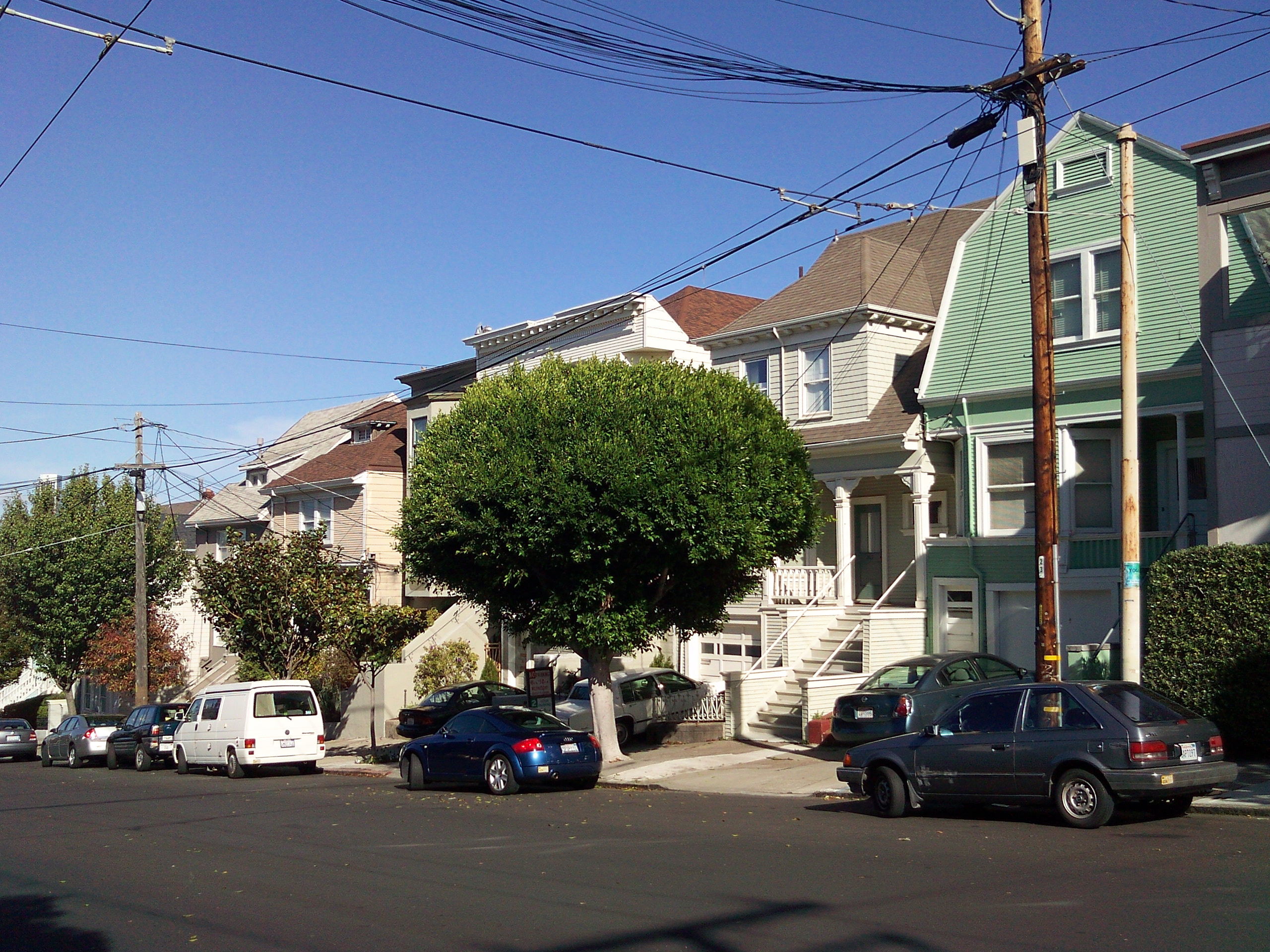
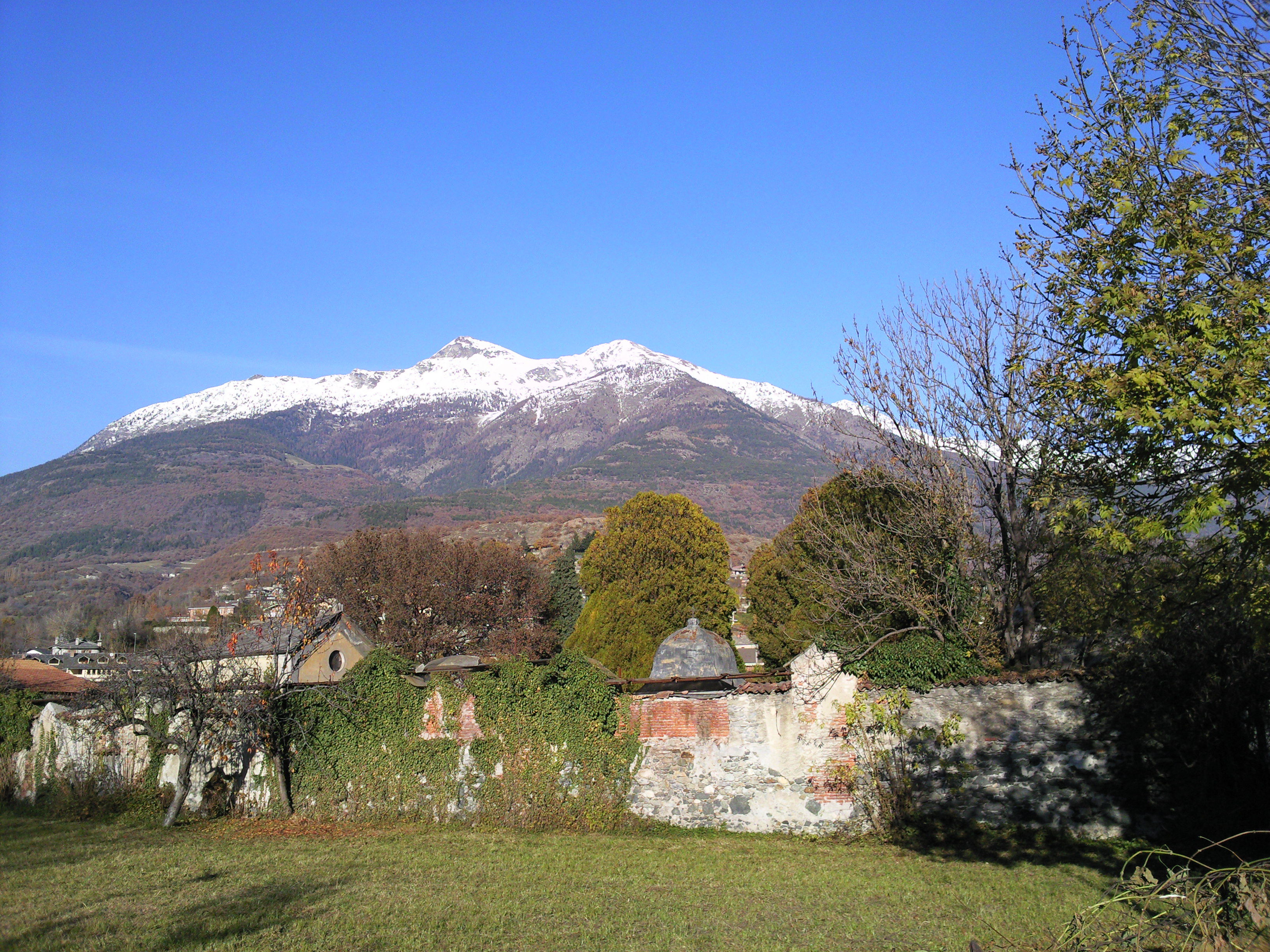
Would you really say that this pictures are not as good as they should be?
Some pictures from the new (v20.155 damn 😃 ) v20.115 and the new Autofocus:

Auto mode

Landscape mode

Auto mode

Landscape mode
@djmuzi,
what's that white thing above building? Is that your problem or it's a cloud?
miki69 wrote:@djmuzi,what's that white thing above building? Is that your problem or it's a cloud?
Cluods, yes. And beside the buildings the Moon 😃 Thats why I made this photo.
Now, mate, I'm asking you, do you think something is wrong with my photos :con? like Damian said?
djmuzi wrote:Now, mate, I'm asking you, do you think something is wrong with my photos :con? like Damian said?
I am not as competent as Damian, but I absolutely see no troubles with your photos. In fact, I was quite surprised/shocked with his answer.
My opinion on N86 camera performance is that N86 is capable of making some great photos, but with very high "blurriness" rate due to extremely stiff/rigid camera button. As I said before I really miss my 6500s camera button as it was very soft, so you don't need to use excessive force to push it all the way down, resulting is unit movement, resulting in blurry images. 6720 also has stiff button, but not as stiff as N86.
To me, camera button in N86 is the only detail (but rather important one, at least for highend camera phone) that fails to impress me.
And, btw it's v20.115 not v20.155 😉
Cheers,
Miki
If someone could make such photos with the N86...
ZN5 and INNOV8 I would recommend it to my friends 🙄
djmuzi wrote:If someone could make such photos with the N86...ZN5 and INNOV8 I would recommend it to my friends 🙄
The images you first sent are not as good as they should be hence my suggestion to get the camera replaced. also to reiterate I see this as a one off.
br D
DamianDinning wrote:The images you first sent are not as good as they should be hence my suggestion to get the camera replaced. also to reiterate I see this as a one off. br D
Yes the first images I sent aren't OK, but they were among my first photos with v20.115.
But the more photos I make the more I realize, that such exaples are very very rere 😊 :icon14:
But thanks for your quick replys :icon14: And I'm a big fan of your Head to head � N86 8MP Vs N82
I had for some days a N82 and made an extensive comparisson for my mates in another forum (mobile-review.com) between the N82 and N86. In most cases the N86 is far better (exept of my hands, which were not still by taking photos in darkness 🙄 )
If you like you can look to this 😊
@DamianDinning,
this has been bugging me for quite some time:
Is it better to (regarding speed/access) keep your files in mass memory or memory card?
Some people suggest that APPS should be installed to Mass memory and images/videos to memory card. They also mentioned that this has something to do with not overloading/hogging one memory only, and that apps you use more often should be stored in mass memory. Or this is total crap? 😊
And what's the speed difference between built-in memory (mass memory) and microSD memory cards?
Cheers,
Miki
miki69 wrote:@DamianDinning,this has been bugging me for quite some time:
Is it better to (regarding speed/access) keep your files in mass memory or memory card?
Some people suggest that APPS should be installed to Mass memory and images/videos to memory card. They also mentioned that this has something to do with not overloading/hogging one memory only, and that apps you use more often should be stored in mass memory. Or this is total crap? 😊
And what's the speed difference between built-in memory (mass memory) and microSD memory cards?
Cheers,
Miki
speeds of memory cards can vary. I would personaly recommend always using an A brand rather than going for price on the cards based on my own personal experience.
miki69 wrote:In particular I was thinking Kingston microSDHC 8GB class 4 speed, that's the one I have. So does any of above mentioned holds?Cheers,
Miki
Best I don't comment on other manufacturers products, will leave that to them or neutral parties.
Hi Damian,
will you ever use xenon in upcomming phones.
OK I know you won't say yes or no, but is there a posiibility to see another Nokia with xenon in the feature or is this technology no longer considered 😊
DamianDinning wrote:Best I don't comment on other manufacturers products, will leave that to them or neutral parties.
Sorry for misunderstanding, I didn't intend to favor any brands. What I would like to know is how fast is N86 internal memory? I know there is no much of a difference in micro SD cards classes (2/4/6) when it comes to mobile phones as if I recall Nseries internal write speed is below 1MB/sec (N95, N82 don't know for N86).
Cheers,
Miki
I have transferred images from my old 6500s to N86 (via laptop), total 401 images, and when I opened Photos (ALL), oh boy, it was quite painful, as for almost 30-40 sec. phone didn't react, and then SLOWLY started to populate menu. When viewing new images, they start quite blurry (pixelated) and after a sec or two they are sharp. So I had to view every single of those 401 new images to "make them" sharp, and then everything came to normal (I can fast browse gallery, as soon as image opens it's sharp).
Also browsing all images in Landscape mode and then switching/changing to Portrail mode (without exiting folder) cause some hangs/pixelation (and vice versa).
That makes me wonder if Nokia gallery is using some kind of "thumbnails cache", you know like with ASDSee, where this thumbnails cache allows you to view/browse images much faster. And is there any less painful method than the one I described above? as I can imagine headache people with 1,000+ images would have 😮
Cheers,
Miki
DamianDinning wrote::d
hmm.. this forum doesn't support such small smileys 🙄 You have to be more concrete 😎
OK OK I'll leave you alone to continue develope more cameraphones (maybe one or two with xenon) 😃
EDIT:
did Nokia resolved this camera-bug from the previous firmware(s), which makes the phone continue consuming the same amount of energy after closing the camera-slider (who should shut down camera app) as it consumes by opened camera app?

This photo is made by Energy Profiler after closing the camera.

This is after opening and closing the camera again
EDIT2
Now I had for 2 times this old Bug from v10 The autofocus rectangle appears in the Lnadscape mode !!
miki69 wrote: So I had to view every single of those 401 new images to "make them" sharp, and then everything came to normal (I can fast browse gallery, as soon as image opens it's sharp).
No, no.... Once Photos is opened and at the carousel, there's ALREADY a background thread at work generating the necessary thumbnails and QVGA previews - you don't need to go into every one! You just have to be leave the app to it. Switch back to another app and leave it going in the background for 10 minutes etc.
slitchfield wrote:No, no.... Once Photos is opened and at the carousel, there's ALREADY a background thread at work generating the necessary thumbnails and QVGA previews - you don't need to go into every one! You just have to be leave the app to it. Switch back to another app and leave it going in the background for 10 minutes etc.
Thanks mate! That easy, huh? What can I say, I'm an idiot :redface:
Cheers,
Miki
1. Euro codes will be available via NSU this week all being well. UK working on it.
someone had the chance to update right now ?
perhabs the 0586595 or 597 ?
(unbranded german black and white prodcode)
Whats with the bugs that the people reported here, the very slow changing if you turn the phone in another direction...
or the missing GPS Satellite Status...
the missing icon of the Music player...
perhabs this is getting fixed right now, so that we have to wait but get a better firmware ?
Best wishes Mav
as for missing Music foder icon - Hard Reset does seem to resolve this issue (did it for me)
HARD RESET: *#7370#
note that all your contacts/messages/calendar entries will be lost, so in case you decide to do HR, back it up first.
Cheers,
Miki
thank you miki69,
i wanted to do the hardreset anyway, one time before the update and then after the update.
It�s like an bios update from your motherborad were you first load the optimized defaults, and after the flashing the second time, and after this you can make your settings.
But there is no update available, not via NSU not via FOTA it�s friday the week is over in two days...